In today's session we created an interactive PDF using buttons, audio and video. This blog post will show the screenshots from the process I went through to achieve the interactive PDF task.
Showing posts with label process and production. Show all posts
Sunday, 30 April 2017
Process and Production Photoshop Faces
In todays session we were given the task of creating a fully editable,
photomontage which is a self portrait.
Design a photo which is a visual expression
of your own self-image.
Process and production type animation
This is the animation I made today in Saras animation process and production class the idea was to bring in a type and some information about that type and animate it.
helvetica type animation from jamie milner on Vimeo.
Process and Production illustrator Morpholo
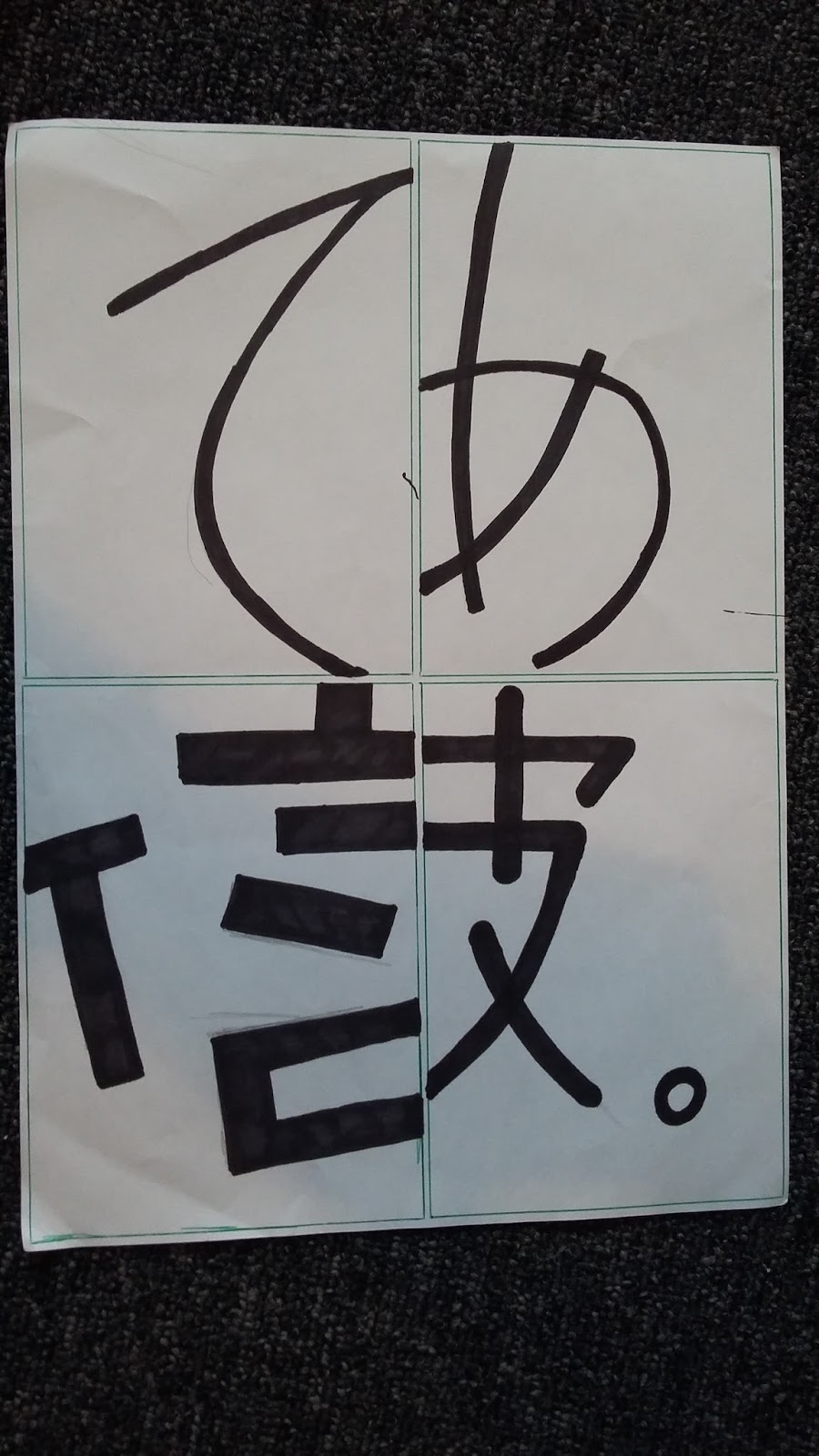
Today in process and production we had to create Morpholo tiles by hand then in illustrator. A morpholo is a word which comes from the term morphology which means the study of the forms of things, a particular form, shape or structure. The results of the task are below.
Process and production Book trailer
Saturday, 29 April 2017
process and production cinema 4D
Today in process and production we learnt the software cinema 4D, we went through the different tools, camera angles, how to set up lighting, how to render and how to use textures and how to set up a studio with backgrounds and lights. I really loved this task because I find 3D interesting, I created my name in 3d with lighting and with added textures and wraps.
Process and Production A N E S G
This weeks process and production we had to create the letters A N E S G in the style of the designs that were given to us on some hand outs. this task was very helpful because it helped me see things in a different way and helped me develop something from already existing materials. I didn't follow the A N E S G letters and chose some of my own to do which i felt were a little more creative.
process and production three rough fonts
In todays process and production we were asked to design three rough fonts so that we can develop them next week. we had to develop a font from last weeks "A N E S G" task by looking at the style of the letters then creating a full set of letters in the style of the font from the letter A to the letter Z.
process and production collaboration fly film
Group B Finale - 16:40 from Motion-go on Vimeo.
This is a collaboration film that Group B had worked on during our Final animation Process and production class in Year 1. The task was to animate a flying object Email sarah the final so she could create a collaboration film with all the animations in them!
Tuesday, 28 February 2017
process and production
In this session we had our photo taken and then created the book of lies by randomly generating captions we had lied about and the captions would be placed over our portrait which resulted in the image below.
process and production grey scale photos
process and production z space film
gaga from jamie milner on Vimeo.
this weeks animation session was really fun I learned how to use the 3D spaces and how to give an animation depth. I really liked learning this skill because I like working in 3D
process and production character animation
floating island character animation from jamie milner on Vimeo.
this session was really great we has to design a character then bring it to our session and animate it using the pre set animations such as scale, opacity and positions I really liked this session because it made me feel like i had progressed massively in this process.
Friday, 2 December 2016
process and production still life
In this session we were asked to draw some setups which our tutor had created using objects such as boxes, equpment and giant letters that were layed out. we had to use different tecnieques to draw then such as tone, line and texture using different equipment like pencils, pens and markers. I really enjoyed this session because my skills on tonning and shading were bettered and i learnt new techneques that will better my drawing.
Thursday, 17 November 2016
process and production speed and motion character
This is a project I worked on in sarahs animation lesson. I have learnt
new skills such as how to upload audio to an animation and how to use
the particle effects to achieve a snowing effect. I think the art looks really great and I am really happy with the final result I have deffinetly learnt something from this session and can not wait to explore more in after effects.
Sunday, 30 October 2016
process and production indesign typography poster
In this post I will be talking about the typography poster i made which was part of some homework we revived. The work was to create a typography poster using the graphic design manifesto and select some of the parts we thought connected with us to create our own personal manifesto. I decided to create a Josef Muller-brockmenn style poster. I chose the text I wanted to put on my poster and translated it into german because most of Muller-brockmenns posters are in german. Here is the finished result
Saturday, 22 October 2016
Process and production Photoshop intro
In today process and production we learnt a little bit more about photoshop by creating collages. We learnt how to use the different cut tools such as the magic wand, lasso tool ect ect I found this task to be very useful because I learnt all the shortcuts on the mac. The purpose of the task was to design a post card using the images that were provided here is what I had created.
This is how you create a gray scale in photoshop using the image mode settings.
This screenshot shows the "marching ants" after selecting the sky with the magic wand tool.
This screenshot shows that the selected area has been deleted usign the magic wand tool.
This screen shot shows me placing a picture of sky in photoshop by placing it in a layer all i need to do now is organise the layers.
This is what I had created using the tools I learnt about and the
images that were provided. This session really helped me learn the short
cuts in photoshop and how to use the tools correcly and other little
tricks that I didnt know were a thing.
Process and production visual tone colour changing video
In today's process and production we were learning the basics of after effects by using transitions between coloured layers. Having used after effect before I found this task to be a little bit tedious and slow. But I completed the ask and this is what I came up with.
changing colours process and production 1 from jamie milner on Vimeo.
Sunday, 9 October 2016
Process and procuction location drawing.
In today session we went out in Huddersfield in groups and given a specific place to draw. My group was given George's square near the train station we had to create visually pleasing drawings to create a map of the area. Down below are some of the drawings that were done and the final map with combined drawings of all the groups.
Friday, 30 September 2016
process and production indesign helvetica document, illustrator brockmann poster and photo shop grey scale photos
In todays session of process and production we learned a few basic tools from indesign and photoshop. I will be showing you the work that I created in this session and what I did to create it.
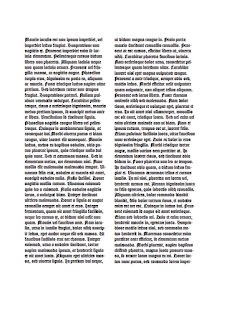
The main techneques we learned were how to covert images into gray scale and also into bitmap, we also learnt how to create a very print looking image in photoshop. As well as learning how to create a layout in indesign and how to create a bouble page spread and recreated the gutenberg bible using the layout and double page spread we had created.
The images below or my recreations of the gutenberg bible this task really helped me understand using layout, typefaces and text format in idesign. I didnt know very much indesign but I feel I can now confidently use idesign basiaclly within my work.
After we then further explored layout and type indesign by recruiting this Joseph Muller-brockmann
poster I had lots fun doing this and taught me more skills to use in indesign.
We then created bitmap and grey scale images which I didn't know how to use before this task which also really helped my understanding and improve my skills in photoshop.
Subscribe to:
Posts (Atom)